

Tracking setup for RichAds
RichAds offers multiple ad types, particularly push and pop traffic. FunnelFlux includes two RichAds templates in the traffic source section: RichPops for pop traffic and Richpush for push traffic.
You get a 10% top-up on your first deposit. Sign up for RichAds. After you sign up, tell your manager you have the promo code FUNNELFLUX.
Tracking setup
Section titled “Tracking setup”Under Use template, choose RichPops or Richpush, then modify it as needed.
Both templates include the click_id tracking field that the postback below uses.
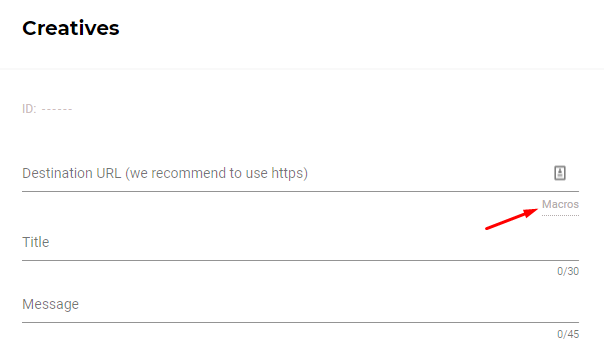
In your RichAds campaign setup, click the Macros link to see the list of available macros:
For conversion tracking, use this postback:
http://us.ahows.co/log?action=conversion&key={trackingfield-click_id}&price={flux_payout}If you want to use main conversions and approved conversions, pass conversions to FunnelFlux (from your network) with a custom flux_txid of “conversion” or “lead” to match the values on the RichAds side.
Then change the action in the postback to pass that TxID value:
http://us.ahows.co/log?action={flux_txid}&key={trackingfield-click_id}&price={flux_payout}