

Getting in to the tracker for the first time
Sign in
Section titled “Sign in”Sign in at /admin/login.php on your tracker domain, for example https://tracker.example.com/admin/login.php.
After you sign in, you land in the classic interface at /admin/.
Open /v2-ui/, or click V2 UI in the classic header, to reach the V2 Dashboard.
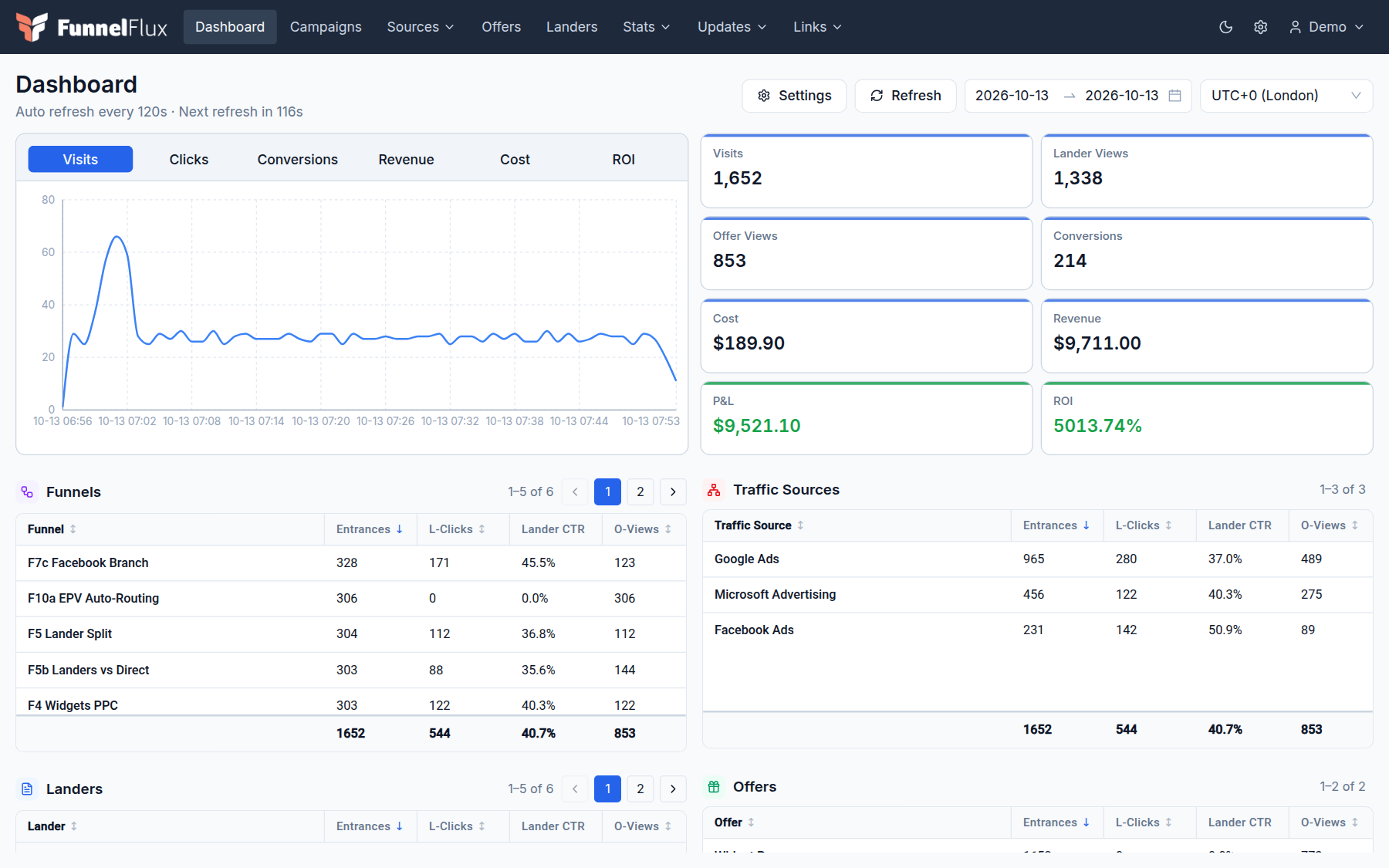
Find your way around
Section titled “Find your way around”Before you build anything, open each section once so you know where things are.
The top navigation bar has:
- Dashboard: the first page of the V2 interface.
- Campaigns: your campaigns and funnels, and the funnel builder.
- Stats: Drilldown (Tree) and Drilldown (Flat) reports.
- Sources: Traffic Sources and Offer Sources.
- Offers and Landers.
- Links: System Links (funnel, action and conversion links) and Stored Links.
- Updates: Conversion Updates, Cost Updates and Reset Stats.
The settings (gear) menu holds System Settings, Traffic Filters, Visitor Tags, Global Conditions, Access Log and User Management, where you add users.
Traffic Filters, User Management and the Updates menu are easy to miss.
Next steps
Section titled “Next steps”Set up the pieces of your first funnel in this order: