

What does the filtered traffic option do in reports?
Drilldown reports have a Show filtered traffic switch in Report settings.
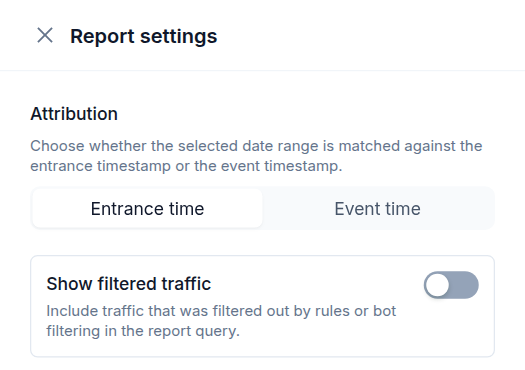
Show filtered traffic
Section titled “Show filtered traffic”This option depends on the filters in Settings > Traffic Filters.
A filter there has two modes: Hide from statistics, and Hide & Redirect.
Both hide the filtered hits from your stats by default. Turn on Show filtered traffic to include those hits in the report.
Use it when you want to see how much traffic matched a filter and was hidden. Ideally your filters rarely affect real visitor traffic.