

What are the "Custom Tokens" in the advanced settings?
Custom tokens are named values you set once on a campaign or funnel and reuse in its conditions. Change the value in one place, and every condition that uses it follows.
Where to set them
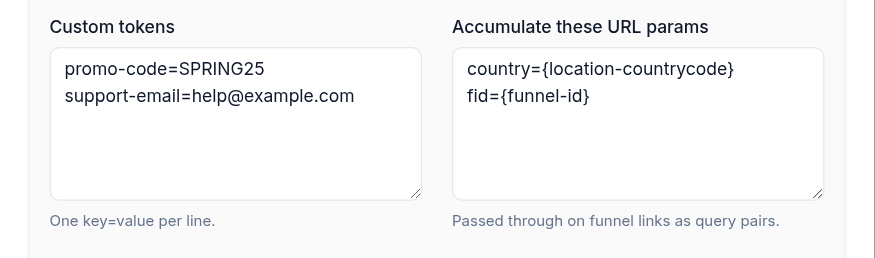
Section titled “Where to set them”- For one funnel, open the funnel, click the settings (gear) icon, expand Advanced settings, and fill in Custom tokens.
- For every funnel in a campaign, edit the campaign and use Advanced settings (all funnels in this campaign).
Enter one key=value pair per line.
When a funnel and its campaign both define the same token, FunnelFlux looks in the current funnel first, then its parents.
How to use them
Section titled “How to use them”Write a custom token as [[token-name]], with double square brackets.
That is different from URL tokens such as {trackingfield-name}, which use curly braces and are filled from visit data.
For example, add these custom tokens to a funnel:
geo=United Statesos=androidIn a condition, you can test:
Location: Country IS [[geo]]ANDDevice: OS IS [[os]]When the condition runs, FunnelFlux replaces each custom token with its value before it tests. For country tests, a country name in a custom token is converted to the matching country code.
Later, if you use the same funnel for another geo, or you want that condition in another funnel, you do not have to edit the condition. Change the custom token values instead.