

How tracking fields work
Each traffic source has its own dynamic tokens.
When you give a traffic source a redirect URL that contains its tokens, the source replaces those tokens before it sends the visitor to your URL.
Those tokens are that source’s own language. Only that source can turn them into real values.
Google Ads tokens are ignored if you use them on a RevContent campaign, and the reverse is also true. Each traffic source has to receive the tokens it understands.
In FunnelFlux, a traffic source’s Tracking Fields store those tokens for you. When you create a traffic source, you can fill them in from a template with Use template.
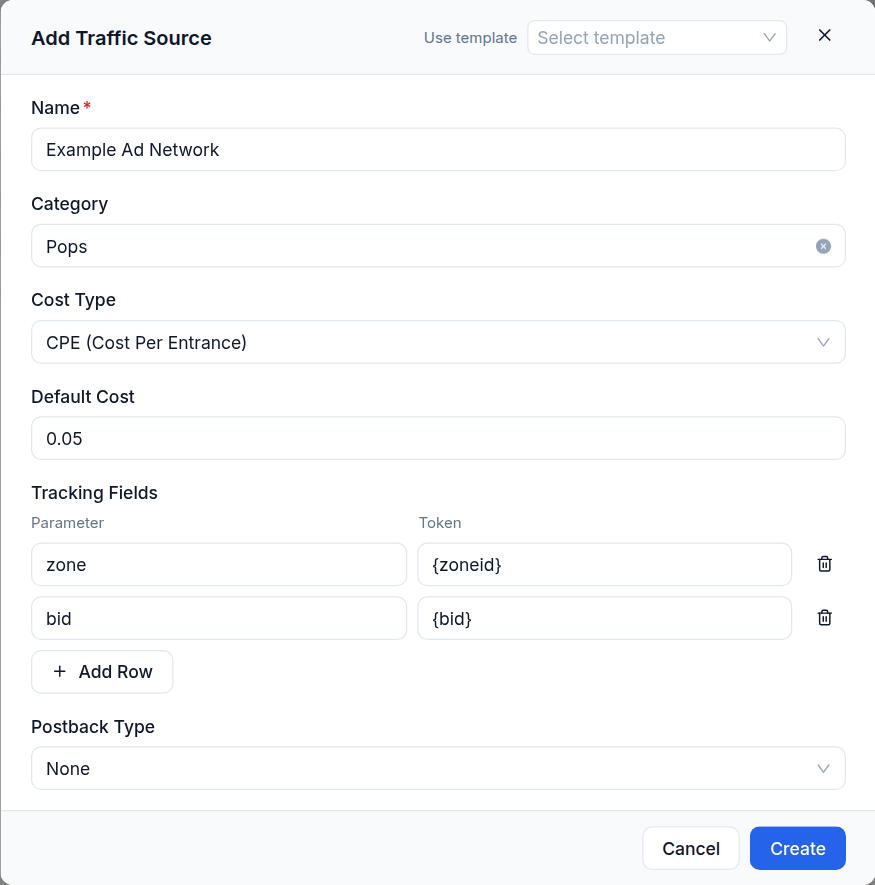
Microsoft Advertising is a useful example. FunnelFlux has no Microsoft Advertising template; the closest is the Bing template, which you can load and then edit. The source below is named Microsoft Advertising and uses its own tracking fields:
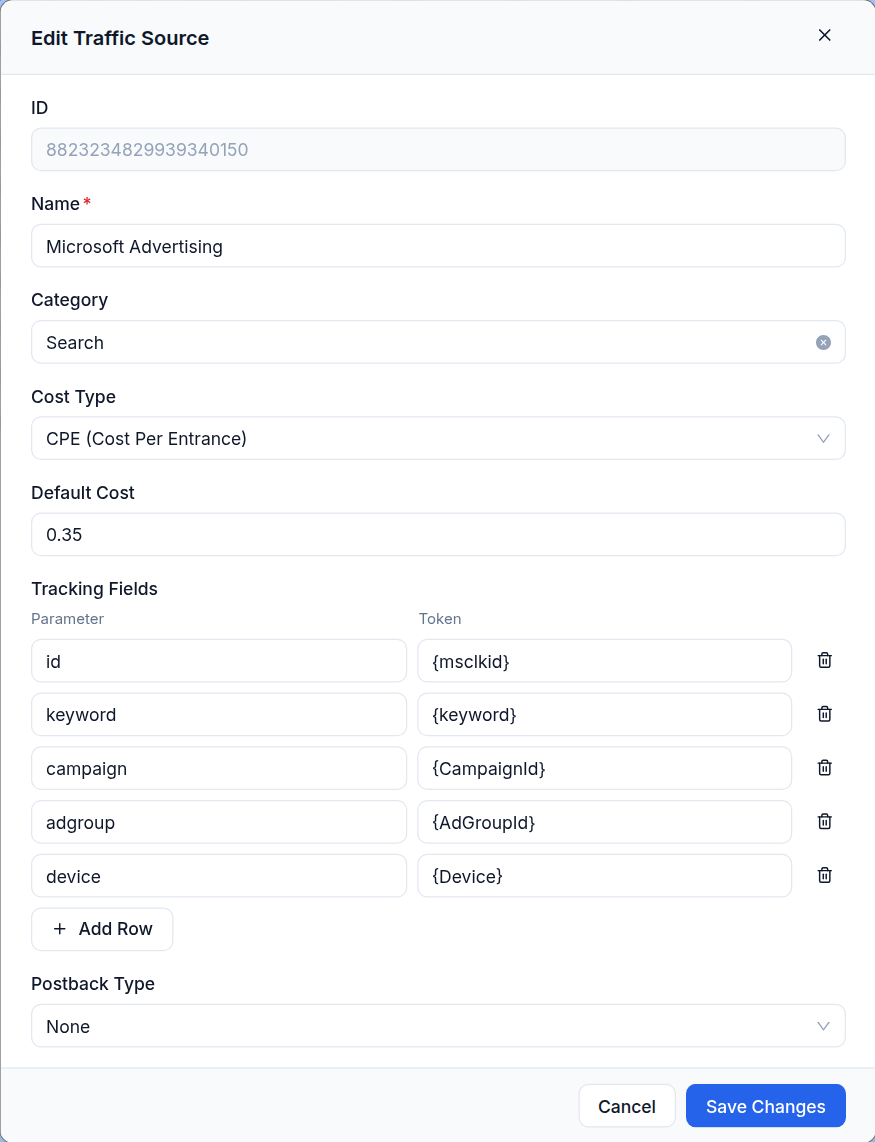
Each tracking field has two parts:
- Parameter is your name for the field. It is the URL parameter name and what you see in FunnelFlux reports. It also sets the matching token,
{trackingfield-fieldname}, wherefieldnameis your parameter name. - Token is the dynamic token the traffic source understands, such as
{keyword}or{QueryString}for Microsoft Advertising.
You can name the parameter however you want. The token has to be written exactly as the traffic source’s documentation gives it.
When you generate a funnel URL (for example with Send Traffic Here in the funnel editor) and select the traffic source, FunnelFlux appends its tracking fields:
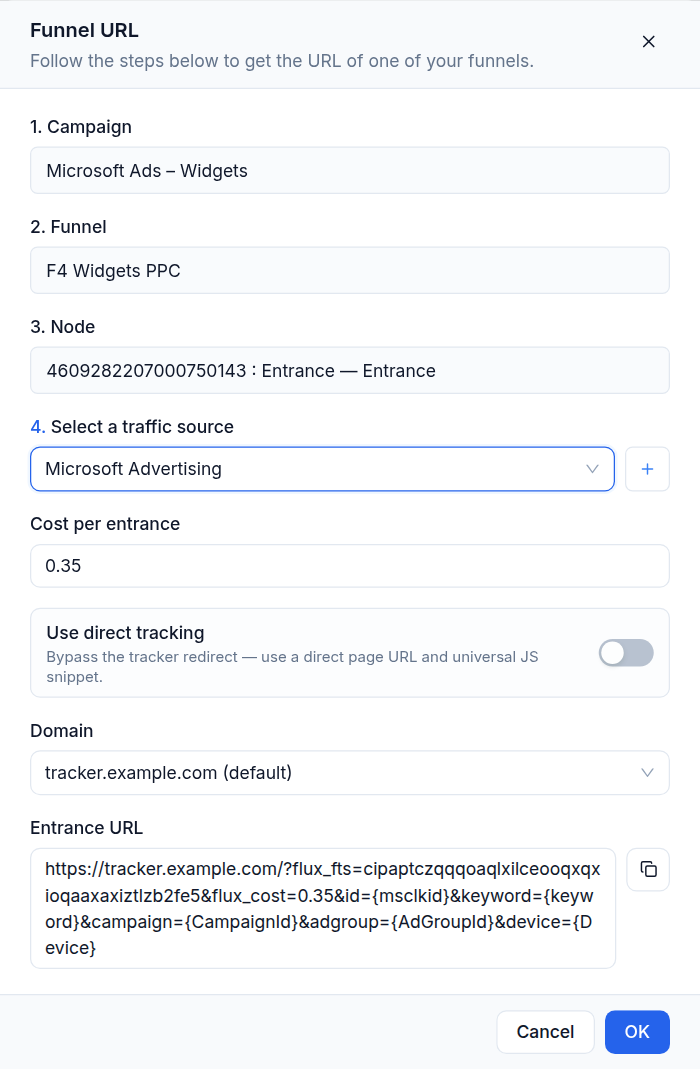
Copy that URL and give it to the traffic source.
Suppose you add two more tracking fields to Microsoft Advertising: kw with {keyword}, the keyword you bid on, and qs with {QueryString}, what the person typed.
This is what happens:
- Someone searches for “cheapest flight to Dubai”.
- Microsoft Advertising matches a keyword you are bidding on, “dubai flights”.
- Your ad’s URL is
https://yourdomain.com/?flux_fts=abc123&kw={keyword}&qs={QueryString}. - Microsoft Advertising replaces the tokens it understands, giving
https://yourdomain.com/?flux_fts=abc123&kw=dubai+flights&qs=cheapest+flight+to+Dubai. - The visitor clicks the ad and reaches FunnelFlux through that URL.
- FunnelFlux saves the tracking fields:
kw= dubai flights,qs= cheapest flight to Dubai. - In reports, you can group that visit by either field.
The flux_fts value here is a placeholder; use the URL FunnelFlux generates for you.
Troubleshooting non-translated tokens
Section titled “Troubleshooting non-translated tokens”Reports sometimes show the token text instead of a real value.
FunnelFlux cannot translate those tokens. The traffic source has to replace them before it sends the visitor.
Common causes:
- The token is not part of that traffic source’s language, so the source redirects without changing it.
- The visit is from a human editor or a spider checking the redirect. Those checks do not always replace the tokens.
- The lander uses the no-redirect JavaScript, and Embed traffic source & URL params in script is on.
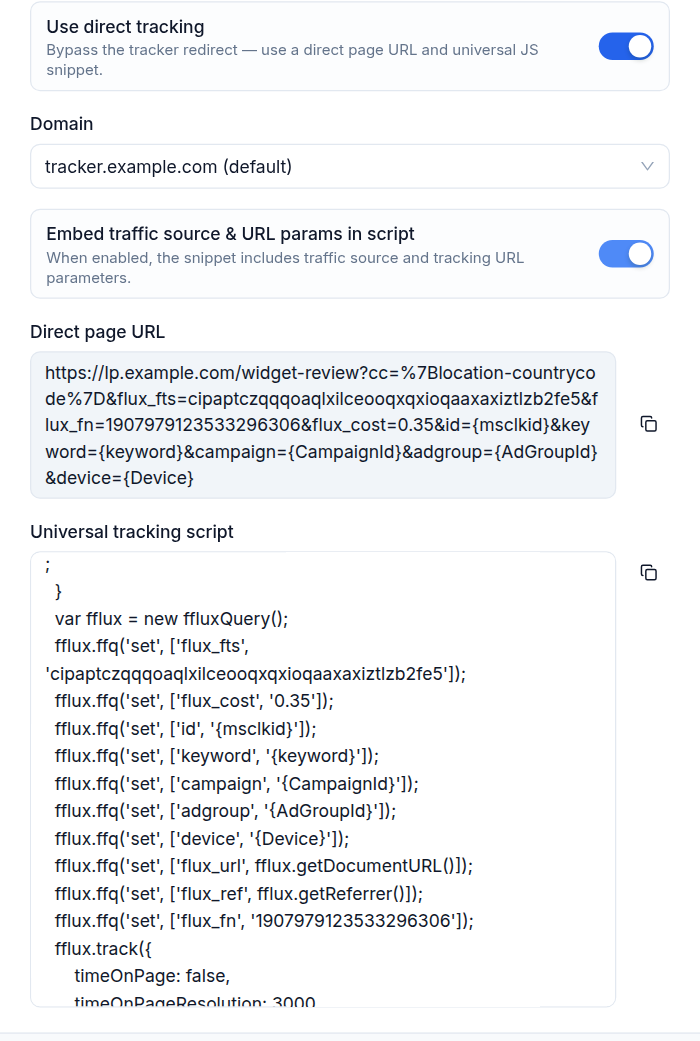
With that option on, the script on your page carries the tracking fields and their tokens. The Direct page URL still shows them, but if you send traffic to a URL without those parameters, the traffic source never sees the tokens, so it cannot replace them.
Put the tracking fields you care about back in the URL. Values in the URL overwrite the defaults saved in the script.
For the example lander funnelflux.com/demo-lander1/, add the kw and qs fields like this:
funnelflux.com/demo-lander1/?kw={keyword}&qs={QueryString}Microsoft Advertising then replaces those tokens before it sends the visitor to the lander. The URL values overwrite the defaults in the JavaScript.