

Sending data from the traffic source to the offer
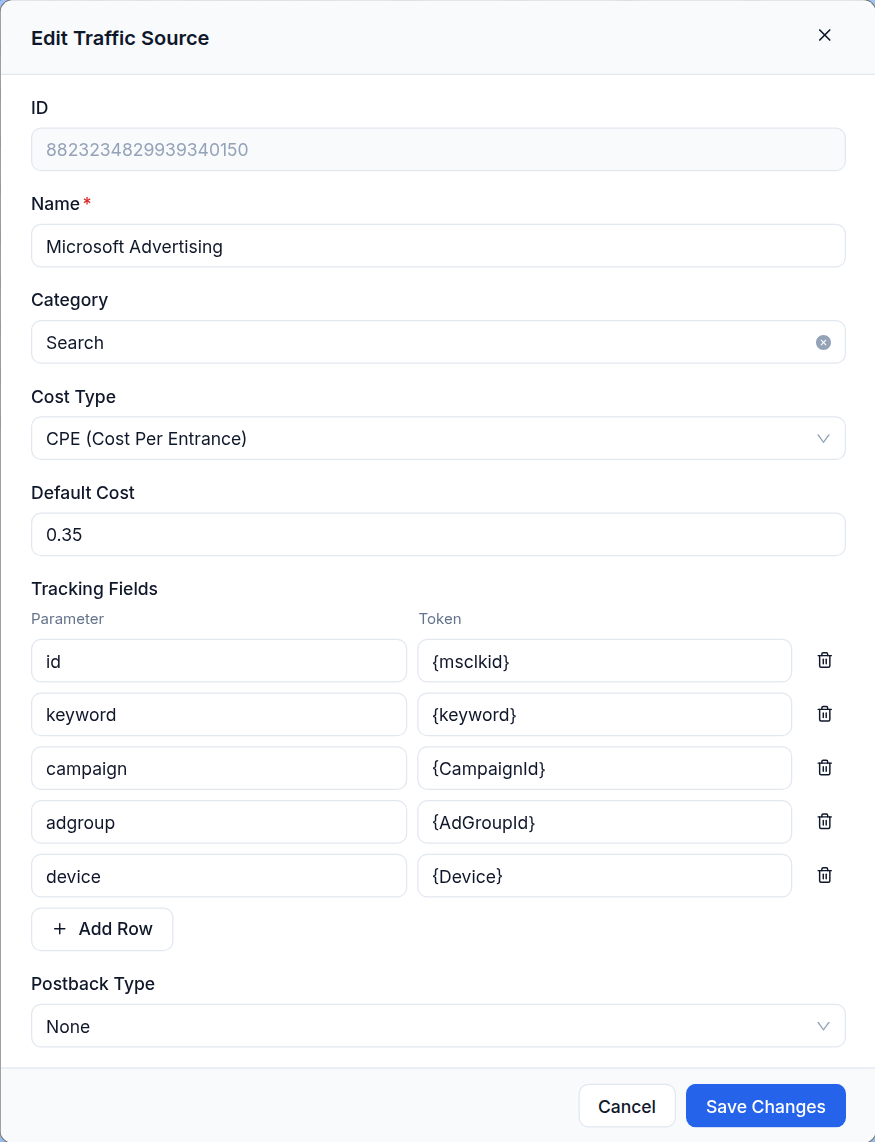
When you set up the traffic source, add the tracking fields for the values you will later send to the offer.
The section is named Tracking Fields. The left column is Parameter. The right column is Token.
Open the offer next.
Below the URL field is a field called URL Tokens. It lists the dynamic tokens you can insert into an offer or lander URL.
Most of them can be inserted as they are.
The one you need here is {trackingfield-fieldname}.
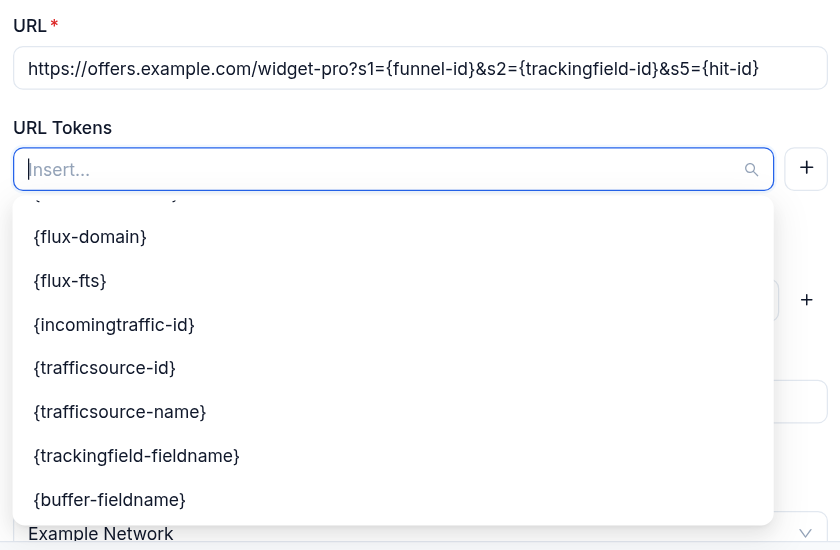
Edit that token after you add it.
The fieldname part is a placeholder for the field name from the traffic source.
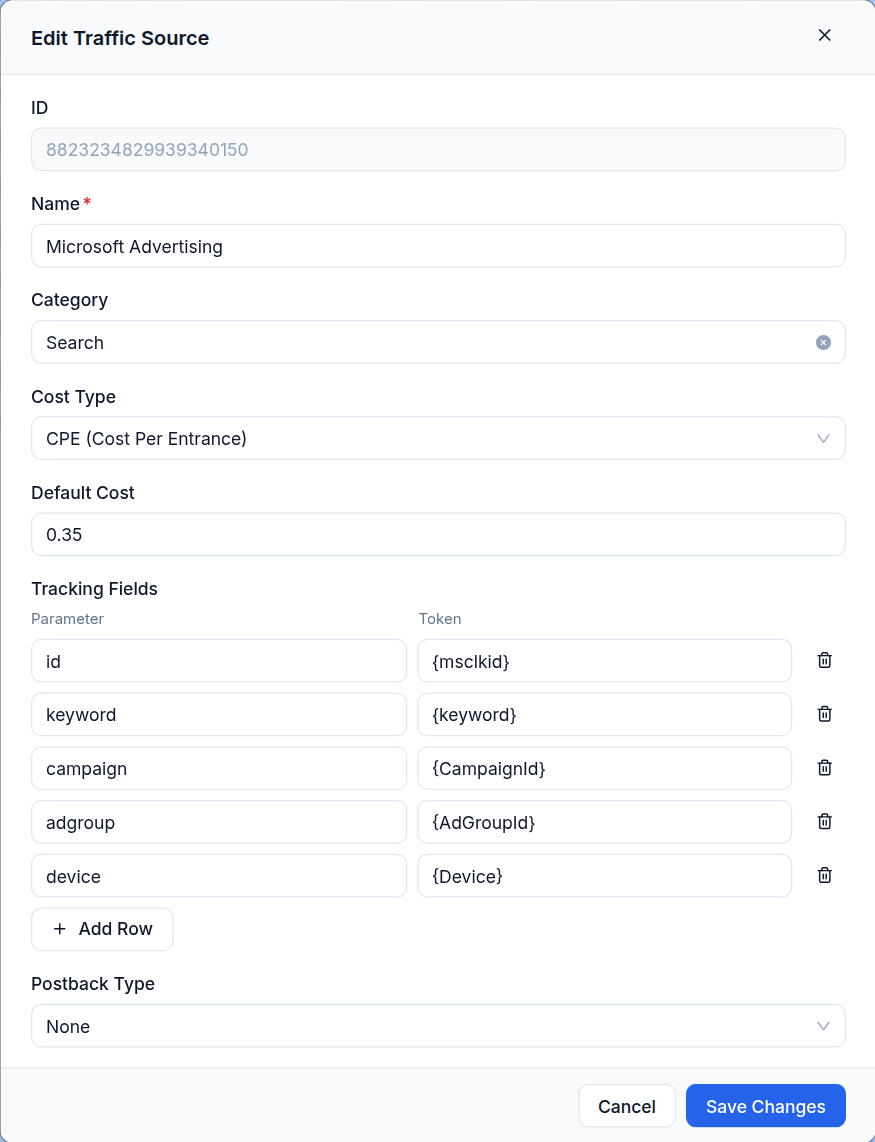
Those field names are the names in the Parameter column of Tracking Fields.
To pass the id field to the offer, change the token from {trackingfield-fieldname} to {trackingfield-id}.

The value stored under id is then sent from the traffic source to the offer network on each visit.